Efficient use of OnlineDoctor in your daily practice not only increases patient satisfaction but also brings lasting financial benefits—find out here how you can use the tool in a time-saving and optimal way!
Efficient use of OnlineDoctor in your daily practice not only increases patient satisfaction but also brings lasting financial benefits—find out here how you can use the tool in a time-saving and optimal way!
Why we recommend integrating OnlineDoctor into your website.
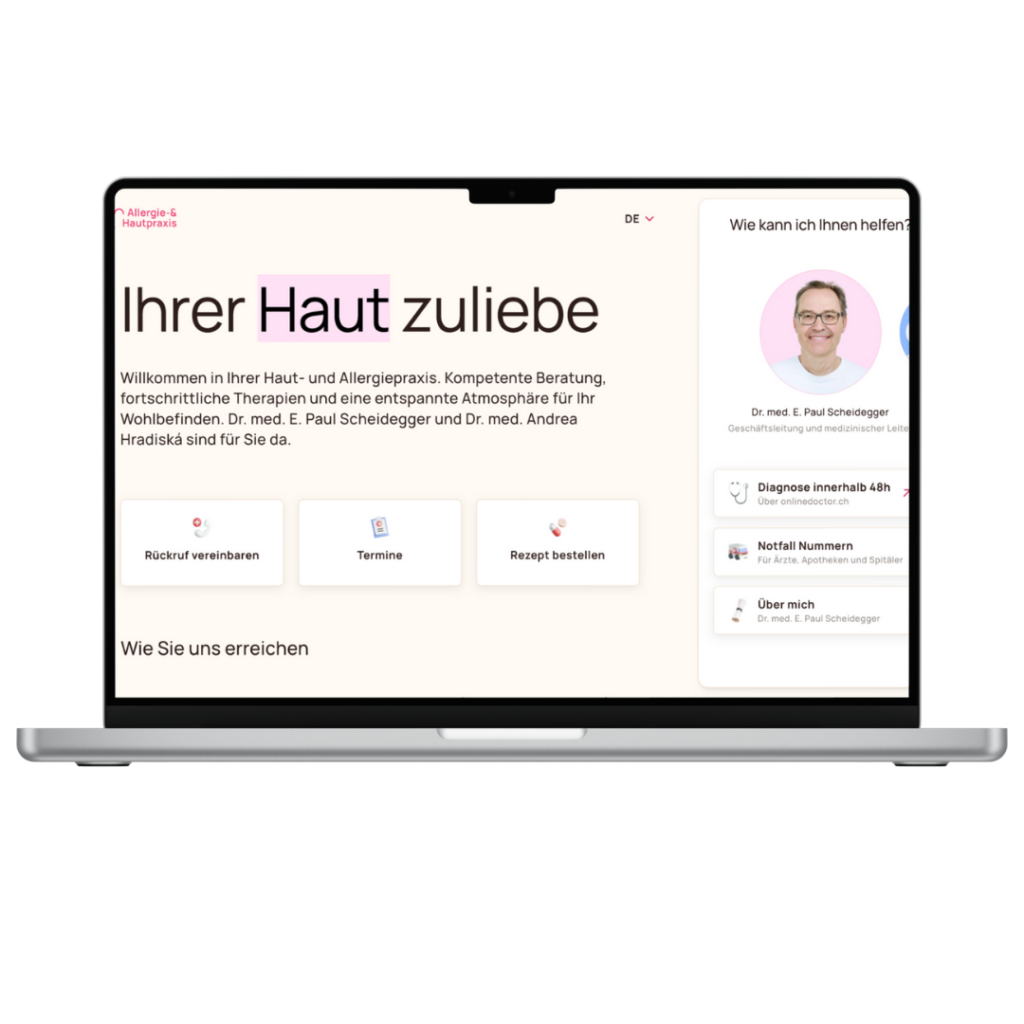
With a clearly visible integration of OnlineDoctor on your practice or clinic website
Where can I find my OnlineDoctor link?
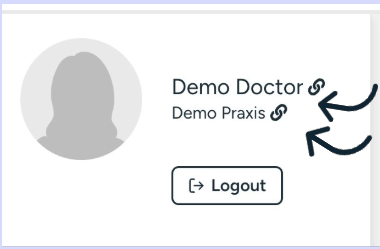
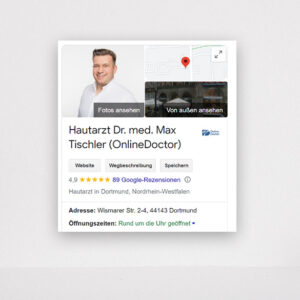
You can get the link to your OnlineDoctor profile with one click in your Doctor Center. If you work in a group practice where several doctors use OnlineDoctor, you will also find the group link (here is an example) for integration into your practice website in your OnlineDoctor profile next to the name of your practice.
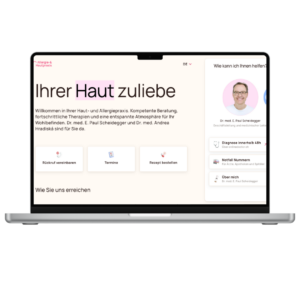
Please forward this integration information to your IT department or implement the integration yourself shortly after your training.
Once the website integration is complete, involve your entire practice team so that when patients call to make an appointment, they can be informed about the OnlineDoctor alternative.

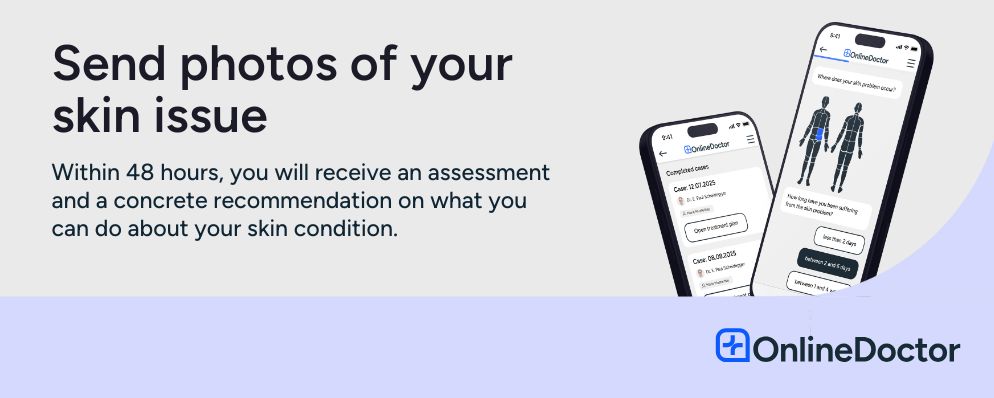
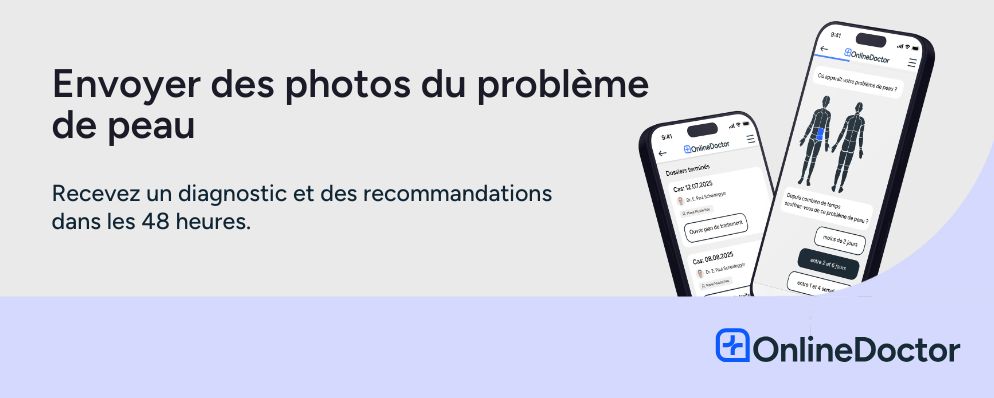
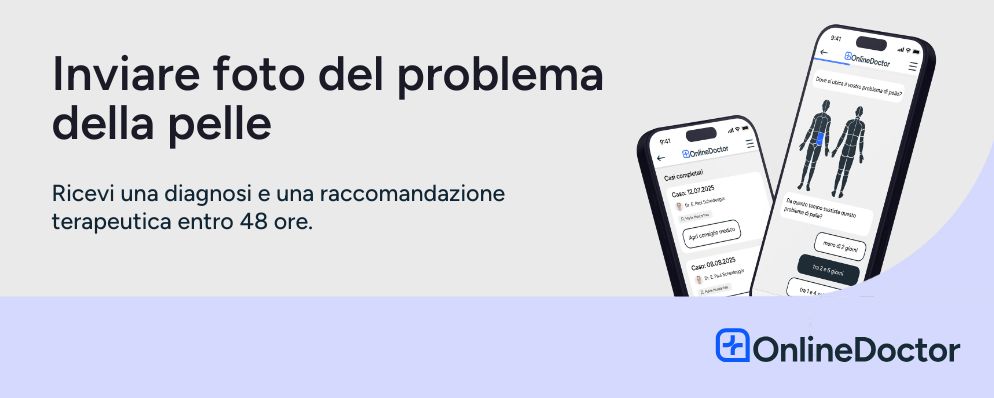








All banners in German, English, French, and Italian can be downloaded here:
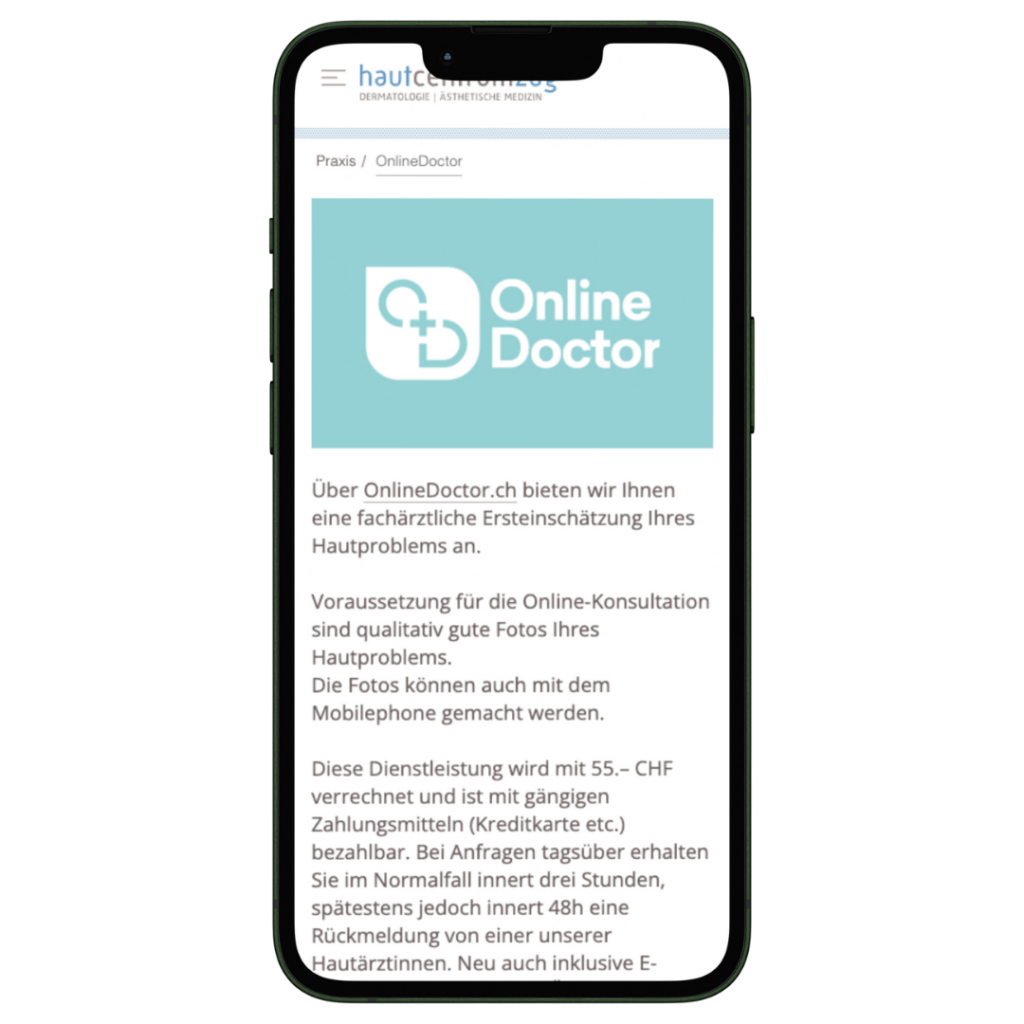
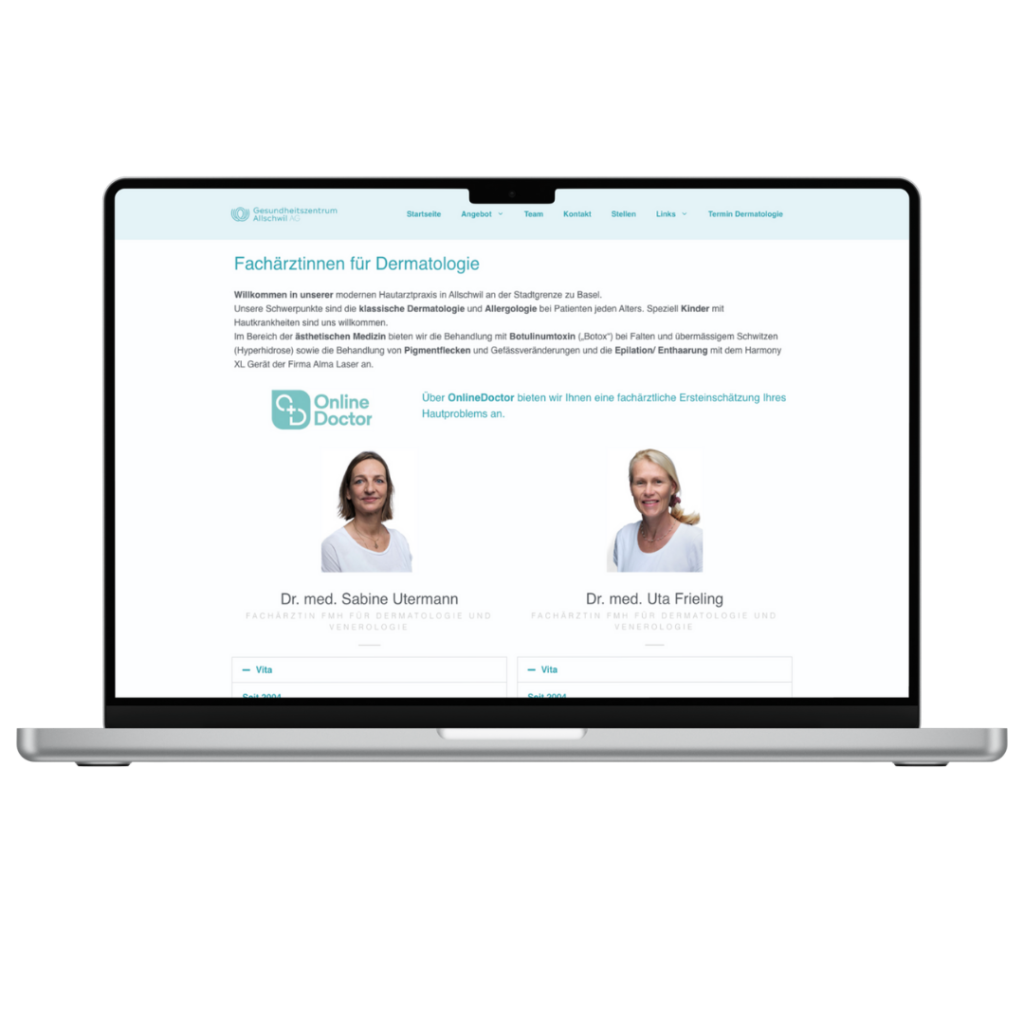
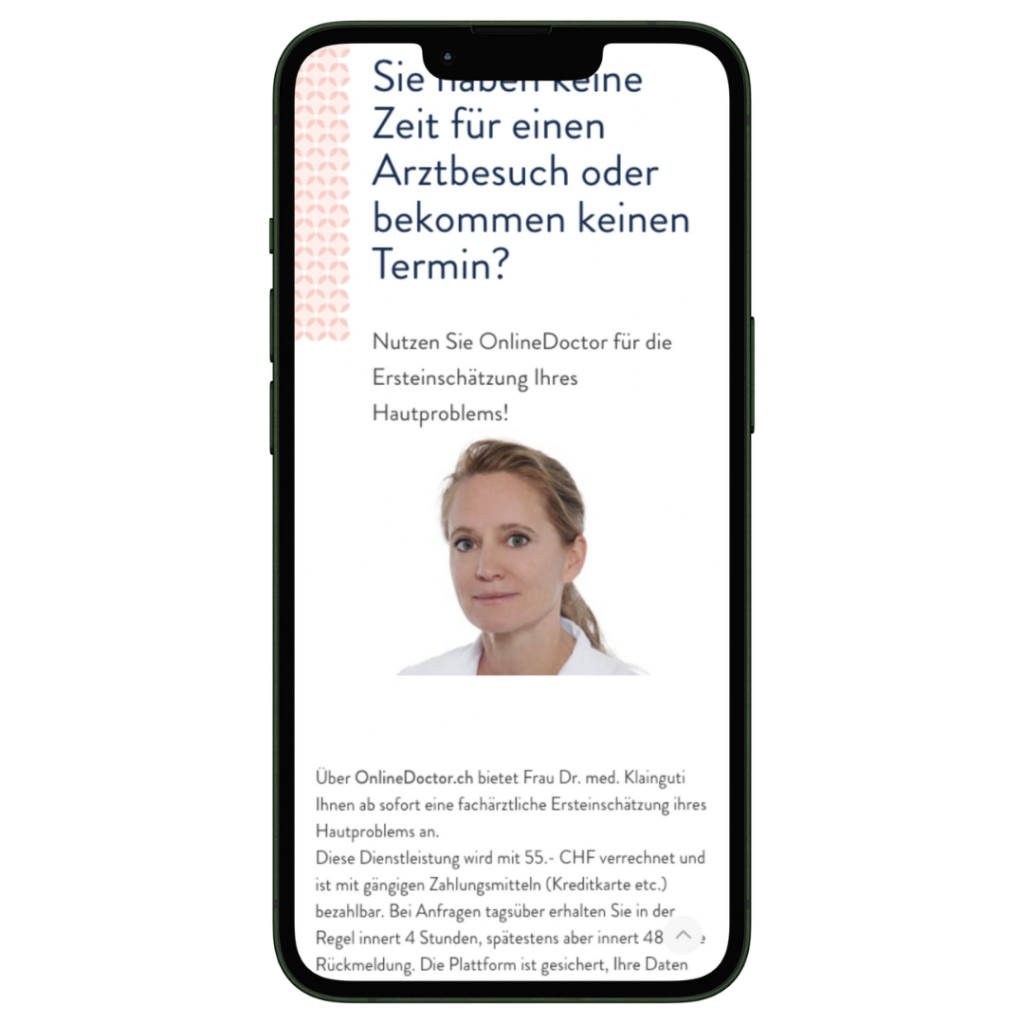
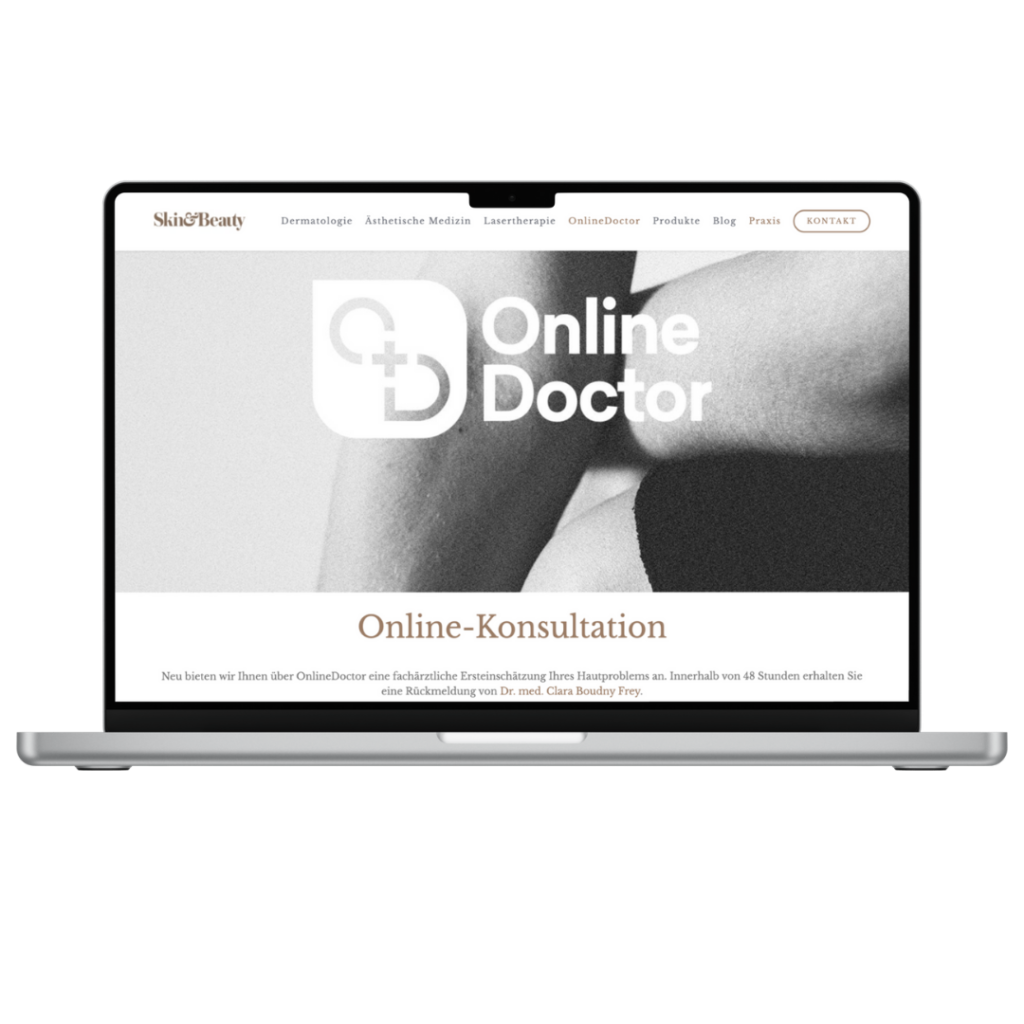
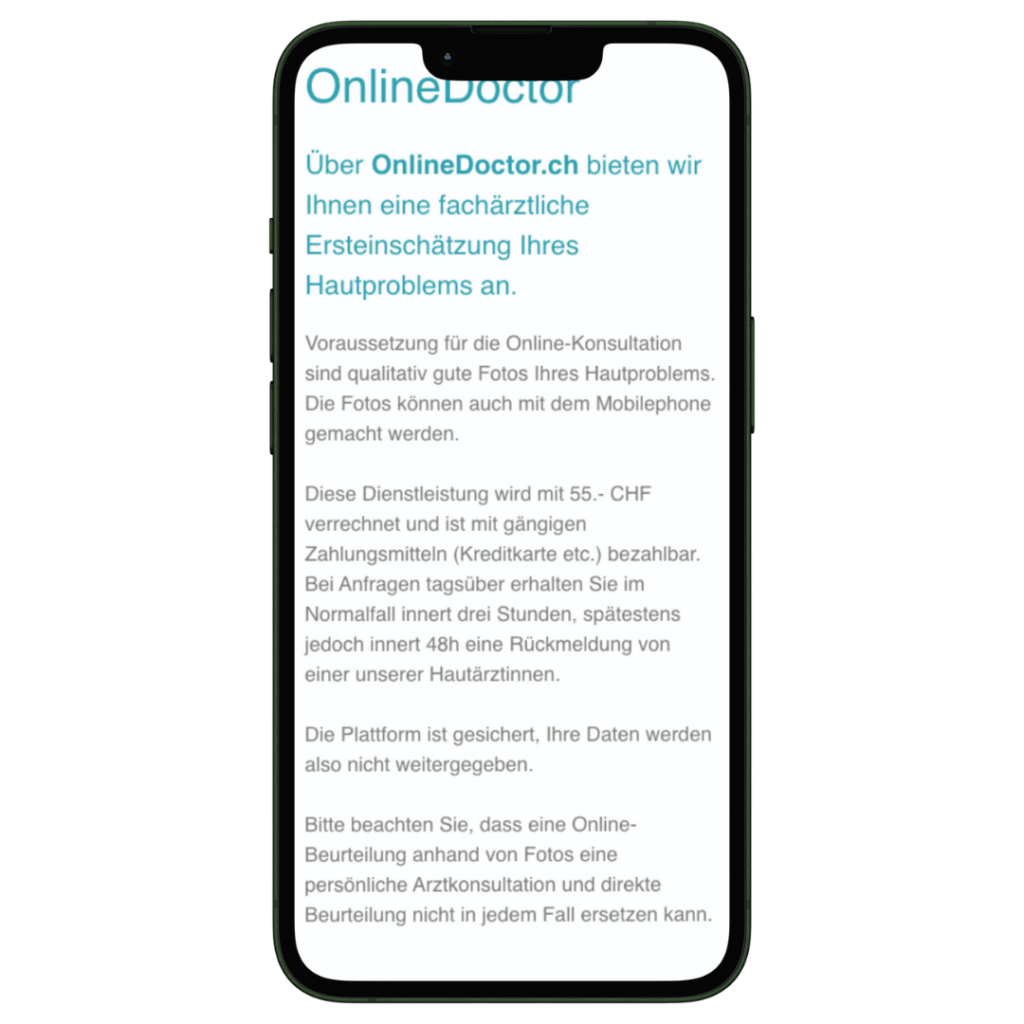
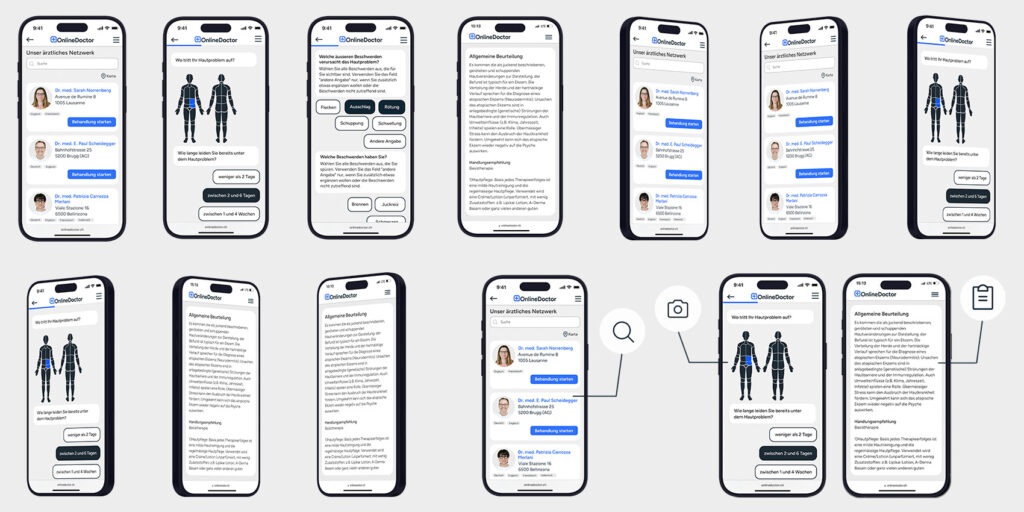
Here you will find all product images in high resolution and original size, available for direct download: Product images
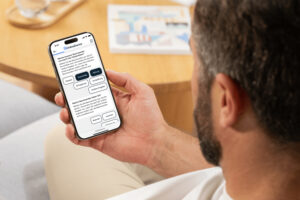


Here you can find all images in high resolution and original size for direct download: Images

Here you can find all posts in high resolution and original size for direct download: Logos
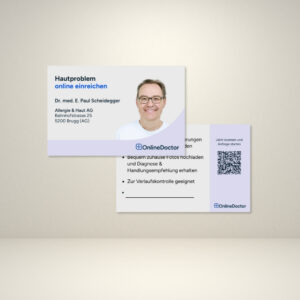
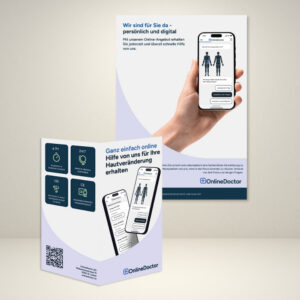
Sometimes it doesn’t take much to make your patients aware of OnlineDoctor. We have already put together a pool of materials for you.
Over a period of two months, the integration enabled around 100 people to access the medical profile page of our test participants on OnlineDoctor. On average, five additional inquiries were answered.
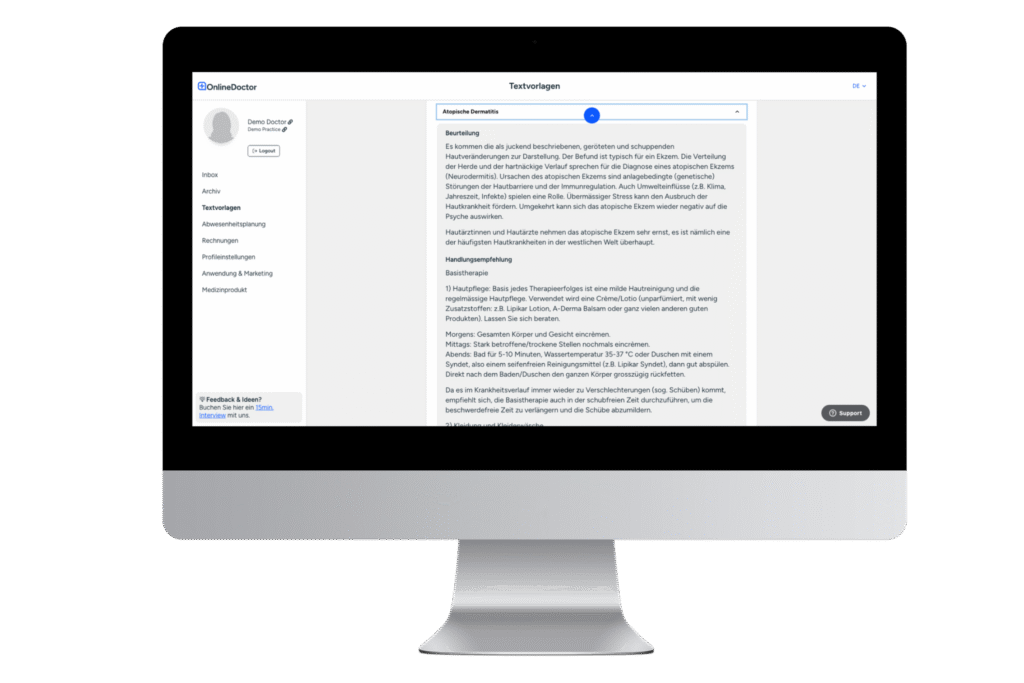
With our more than 50 pre-written text templates for the most common diagnoses, you will need an average of about 5 minutes to process a request. Of course, you can create your own text templates under the “Text Templates” tab according to your own preferences and based on your own practice/clinic procedures. This allows you to save time with every request and add a personal touch to your recommendations for action.
Our product demo shows you how to use text templates effectively.
Feel free to copy the following text templates and save them in your dermatologist area:
Text template name: Follow-up appointments and check-ups
Please submit a new request regarding this matter in X weeks.
Text template name: Farewell
Kind regards,
Yours sincerely,